


A MacBook that will not start does not arrive with a diagnosis attached. The charger, battery, ports, display and logic board all need to be considered. A useful assessment narrows that list before recommending a repair.
Start with what changed
Tell the workshop when the Mac last worked and what happened next. A spill, drop, power interruption or earlier repair changes the checks that are useful. Describe any light, sound or brief image you see, and whether the fault is constant.
Bring the charger when charging is part of the problem. If the files are the only copy you have, make that clear before any work is authorised.
Inspect and measure
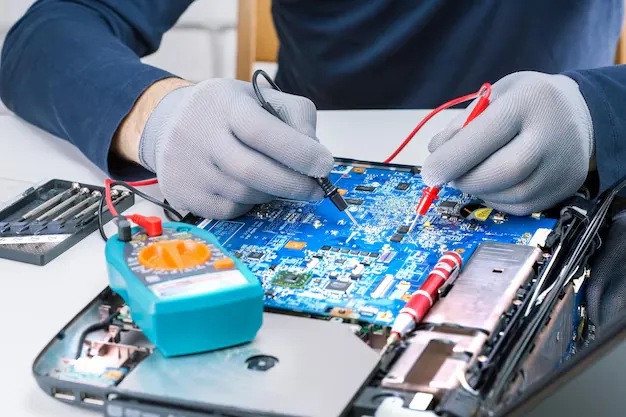
The technician examines connectors and the board for visible damage, then checks the relevant electrical circuits. Measurements help distinguish a failed component from a symptom caused elsewhere in the device. Replacing the whole board should not be a diagnosis in itself.
The proposed work may involve a damaged connector, a shorted component or an affected power circuit. Severe corrosion or damage to critical components can limit what can be repaired reliably.
Ask what the quote covers
The fault found and the work proposed.
The parts or rework included in the fixed price.
Expected turnaround and any parts availability limits.
Data risks, testing and applicable warranty.
If another fault changes the scope, you should be asked before additional work goes ahead. Keep the quote and the completion record together.
A repair is followed by testing
After rework, the affected circuit is checked and the assembled Mac is tested for the reported symptom. Charging, startup, display operation and stability may all be relevant, depending on the job.
Read about our board-level repair service or follow the repair process before booking a free diagnosis.