


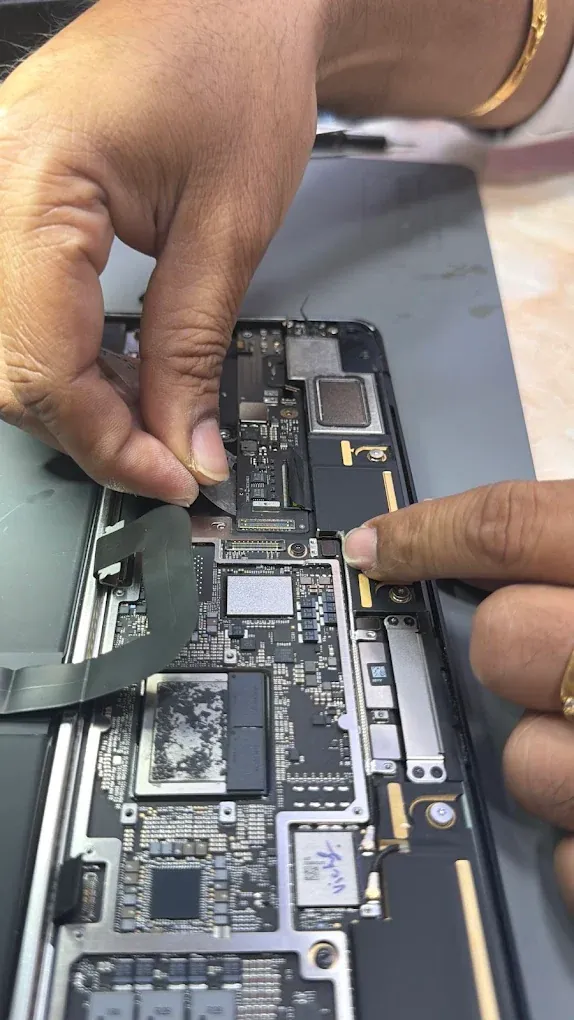
A useful repair price describes a specific job on a specific model. “MacBook screen” or “iPhone battery” is not enough information to identify the part or establish what is actually wrong.
Start with the model and the fault
Provide the exact model, the symptoms and any known damage. A screen with broken glass, a dark display caused by a board fault and a damaged connector can require different work even when they look similar to the owner.
At Fix My Mac, diagnosis is free. The workshop assesses the device and gives you a fixed quote before repair work starts.
Compare the scope of the work
Ask whether each estimate covers the same repair, part grade and testing. A whole-board replacement and a component repair are different proposals. Neither should be compared on a headline price alone.
Which part or circuit has failed?
What parts and labour are included?
Are there model-specific warnings or feature limitations?
What happens if another fault is found?
Check timing and warranty
Turnaround depends on the fault and parts availability. Ask for an expected completion date after diagnosis, and tell the workshop if there is a work deadline.
Read the coverage that applies to the actual job. Previous liquid damage, unrelated faults and recovered data can have different conditions from an ordinary replacement part.
Decide before authorising repair
You can decline the quote after diagnosis. If the cost is difficult to justify against the condition of the device, discuss that openly. For a non-starting device with important files, data recovery may be a separate decision.
Our pricing page lists repair types and typical turnaround. Read the repair terms and book a diagnosis for a quote for your device.