Identify your MacBook Pro
Share the model number printed on the underside, the screen size and the year if known. If the Mac starts, About This Mac can help identify it. Parts and repair options depend on the exact model.
Tell us about previous repairs, drops or liquid exposure, even if the Mac worked afterward.
Display, keyboard and Touch Bar
We assess cracked displays, image faults, backlight issues and lid-related symptoms before recommending an assembly. Keyboard, trackpad and Touch Bar faults are checked against the model and reported behaviour.
Battery, charging and no power
Battery wear, a faulty charger, damaged ports and board faults can all interrupt work. We check the charging path and startup behaviour to determine which work is needed.
A lifting case or swollen battery needs inspection before further charging. Do not force the case closed.
Heat, fans and sustained workloads
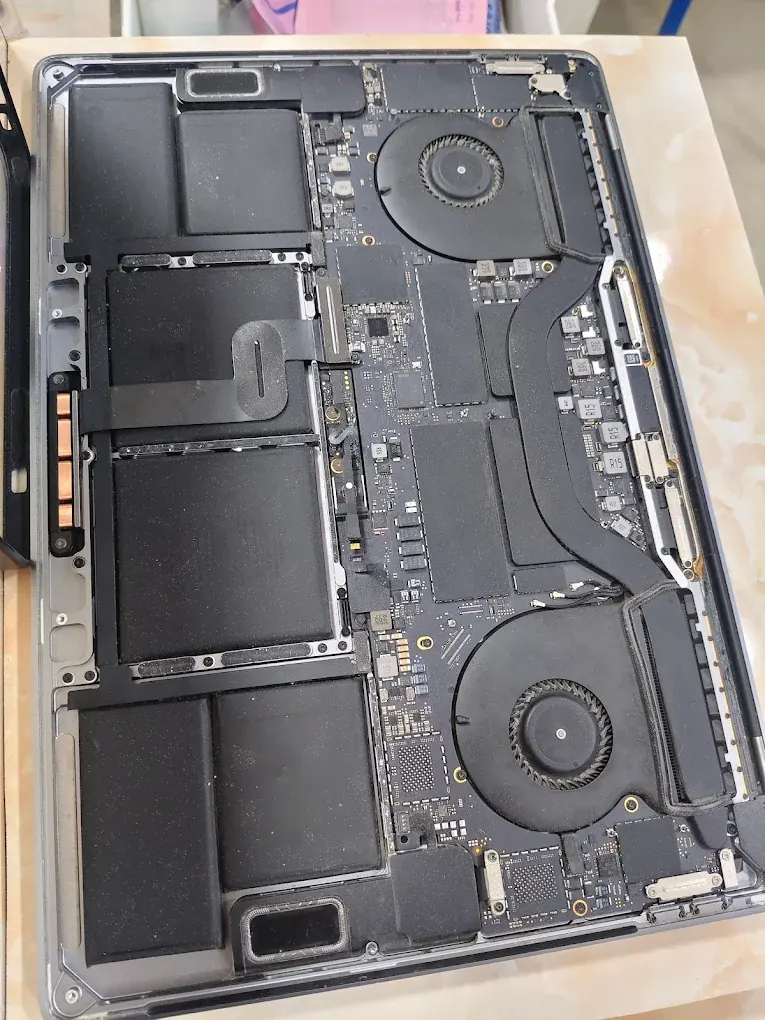
Explain whether the Pro slows down or switches off during a particular application. Cooling checks can include dust, fans and thermal contact, alongside software load and sensor behaviour.
Board repair and important files
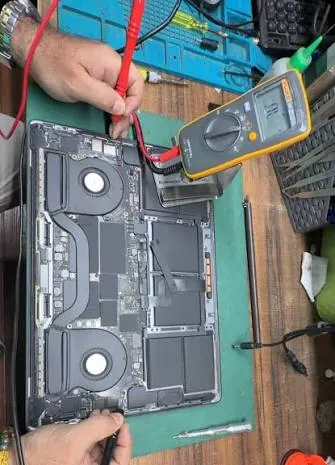
If a board fault is confirmed, we assess component-level repair before proposing a larger replacement. Tell us if recovering files is the priority and avoid resets or reinstalls until that has been discussed.
A fixed quote, expected completion time and applicable warranty follow the diagnosis.
Explain the workload that triggers the fault
A Pro may behave differently during a video export, on an external monitor or when several peripherals are attached. Describe the application, accessories and power setup in use when it slows down or restarts.
We can discuss the checks needed to reproduce the reported fault. Avoid repeatedly forcing a machine through a failing workload when the files are not backed up.
- Note whether the issue occurs on battery, mains power or both.
- List the dock, monitor and charger involved.
- Describe fan behaviour and any shutdown message.
- Confirm the repaired functions and remaining limitations at collection.