


Small desktop. A proper diagnosis.
Power, startup, port, storage and cooling faults on Mac mini. We assess the Mac and its connected accessories before deciding what needs repair.

A Mac mini works with an external screen and accessories, so diagnosis considers the complete setup. Describe the monitor, connection and any power or startup symptoms when you book.
For a machine with important files and no current backup, discuss recovery priorities before software restores or storage work.
Mac mini repairs we handle
No power and power supply faults
Power input, supply and board circuits checked, including faults appearing after a power interruption.
No picture on an external display
Monitor, cable, output port and startup behaviour assessed to separate display issues from a board fault.
USB, network and connectivity faults
Damaged ports and intermittent peripheral connections inspected and tested.
Overheating and fan noise
Cooling system inspection, cleaning and fan assessment for unstable or noisy operation.
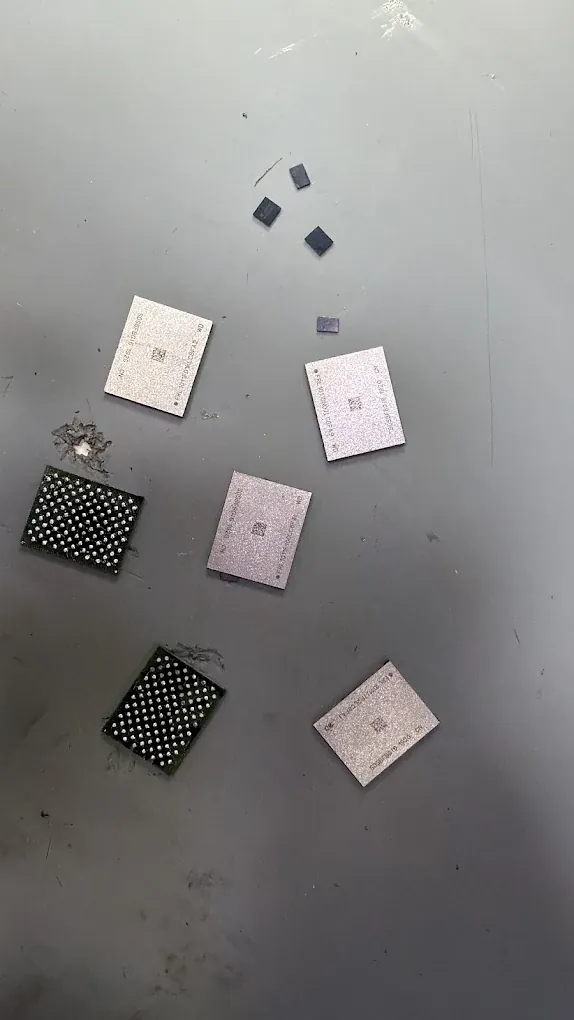
Storage, memory and data
Upgrade compatibility checked per model. For a non-starting Mac with important files, recovery is discussed before any storage changes.
Common Mac mini faults we see
Power and display output
- No response to the power button
- No signal on a working monitor
- Startup failure after a power interruption
Everyday operation
- Intermittent USB or network connections
- Persistent fan noise or shutdowns
- Storage errors and slow startup
What it costs and how long it takes
| Repair | Model | Price | Turnaround |
|---|---|---|---|
| No power or logic-board repair | Intel and Apple silicon | Free quote | Confirmed with your quote |
| Ports and display output | Model confirmed at diagnosis | Free quote | Confirmed with your quote |
| Thermal service | Any Mac mini | Free quote | Usually same day |
The final price is a fixed quote given after the free diagnosis and before work starts. It should state the exact model, proposed repair and part option, labour and tax treatment, inclusions, exclusions and expected timing. Nothing is repaired until you approve it.
Questions about Mac mini Repair
Need advice about your device? Call or WhatsApp the workshop to discuss the symptoms and your repair options.
Should I bring my monitor with the Mac mini?
Describe the setup first. We will tell you which cable or accessory is useful for reproducing the fault, so you do not bring unnecessary equipment.
Can you add more RAM to my Mac mini?
Upgrade options vary by model. Share the model number and current specification so we can check whether a memory upgrade is possible.
My Mac mini stopped working after a power cut. Is it the power supply?
It may be, but the power input and board also need checking. We diagnose the fault and provide a fixed quote before replacing parts.
My monitor works with another computer. Does that prove the Mac mini board is faulty?
No. The cable, adapter, selected input, output port and startup state still need checking. Describe the connections and any startup response so the assessment can separate a display path problem from a board fault.
Which details should I send before booking a Mac mini repair?
Share the model, symptoms, connected display and accessories, and any recent power interruption or earlier repair. Mention whether the files are backed up. Do not send account passwords or recovery keys in the booking message.
Been quoted for a new logic board? Get a second opinion first.
The diagnosis costs you nothing, and if we cannot fix it there is no fee. Worst case, you find out exactly what is wrong with your device.
Tell us what happened
Fill this in, call, or send a photo on WhatsApp. The diagnosis is free either way.
- Monday
- 10:00 am – 8:00 pm
- Tuesday
- 10:00 am – 8:00 pm
- Wednesday
- 10:00 am – 8:00 pm
- Thursday
- 10:00 am – 8:00 pm
- Friday
- 10:00 am – 8:00 pm
- Saturday
- 10:00 am – 8:00 pm
- Sunday
- Closed