


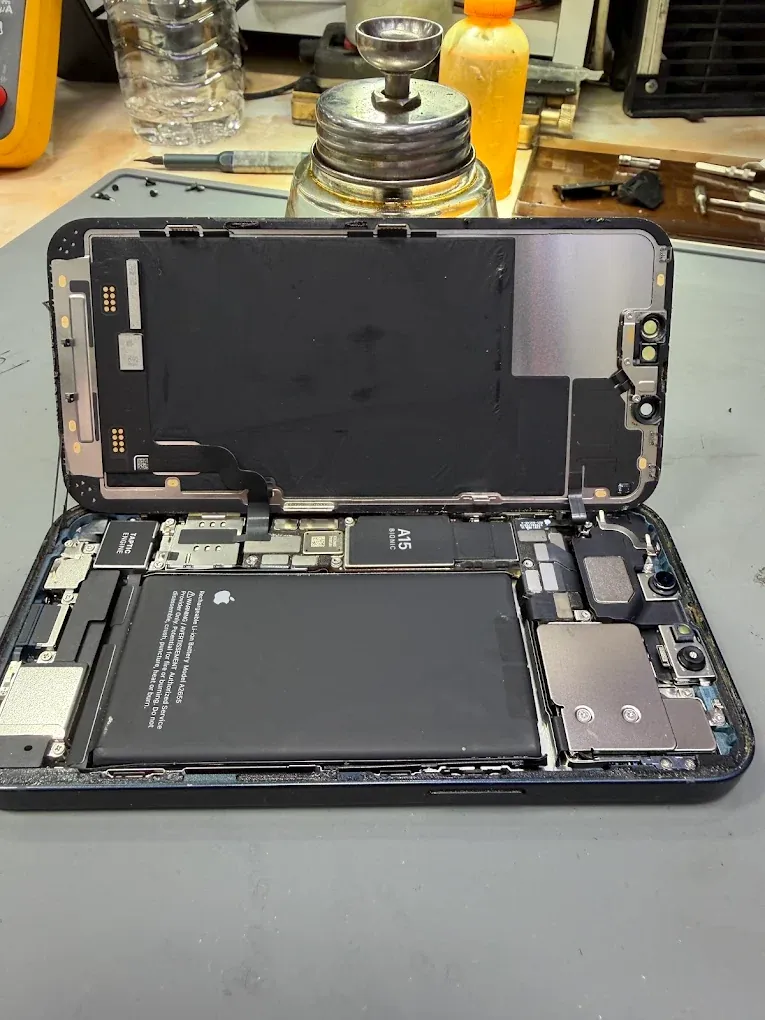
Liquid exposure is a reason to pause. A phone that still responds may have moisture around a connector or inside the case. Repeated charging and startup attempts do not establish that it is safe to keep using.
Disconnect and stop testing
Unplug cables and switch the phone off if possible. If a liquid warning appears, do not override it just to charge. Avoid repeatedly pressing buttons to see whether the problem has cleared.
Do not use rice, external heat or objects pushed into the charging connector. Arrange an assessment and explain whether the phone was used or charged after the incident.
Give the technician the timeline
Say what liquid was involved, roughly when it happened and which symptoms appeared. Salt water, a drink spilled over a port and a brief splash are different histories. Include earlier drops, cracked glass or repairs that may affect the condition of the enclosure.
Be clear about what has already been tried. That information helps the workshop assess the affected areas and the limits of repair.
Put photos and files first when necessary
If important photos exist only on the phone, say so before agreeing to a reset, restore or other work. A data-focused assessment may aim to restore enough of the original electronics to access the files, even when a dependable everyday repair is not practical.
Recovery is not guaranteed. Encryption and the condition of the original components affect access, so ask for an assessment rather than assuming that moving a storage chip will retrieve the files.
Discuss reliability and coverage
Liquid-related corrosion may affect more than the first visible fault. Ask what was found, what the repair covers and whether any warranty limitation applies. Do not assume that opening and resealing a phone restores its original water resistance.
See iPhone repair and device preparation for booking and handover details.