


Published by Fix My Mac Hyderabad · Updated
Quick answers before you book
- Is cracked glass always a full display replacement?
- The model and damage determine the repair. Describe whether the image is visible, touch works and the frame is bent.
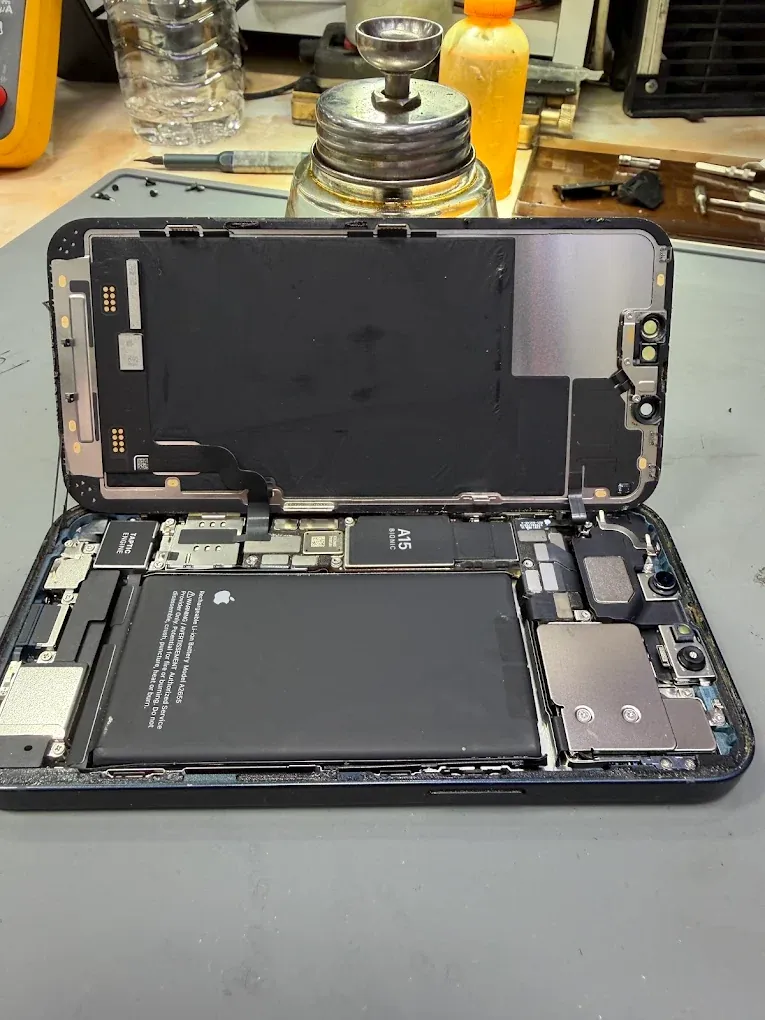
- Can I keep using a phone with a lifting screen?
- A lifting screen may indicate battery swelling. Stop charging and arrange an assessment; do not force it back into place.
- Should I share my passcode in the form?
- No. Back up if possible and agree any access needed for testing directly with the technician.
Separate glass damage from display symptoms
Describe cracks, missing image, flickering and areas where touch does not respond. Ask which replacement display options are available for your exact model and what calibration or feature limitations apply.
Charging and battery behaviour
Note whether charging fails completely, cuts out when the cable moves or works wirelessly but not through the port. Tell us about unexpected shutdowns and battery warnings.
If the screen is lifting or the phone is visibly swollen, stop using and charging it and arrange an assessment. Do not press the screen back into place.
After liquid exposure
Disconnect cables and switch the phone off if possible. Do not override a liquid warning to keep charging. Avoid rice, heat and repeated attempts to start it.
Backups and access
Back up if the phone is working. Do not send your Apple Account password in the booking form. Discuss any unlocking needed for tests directly with the technician and tell us if recovering photos is the main goal.
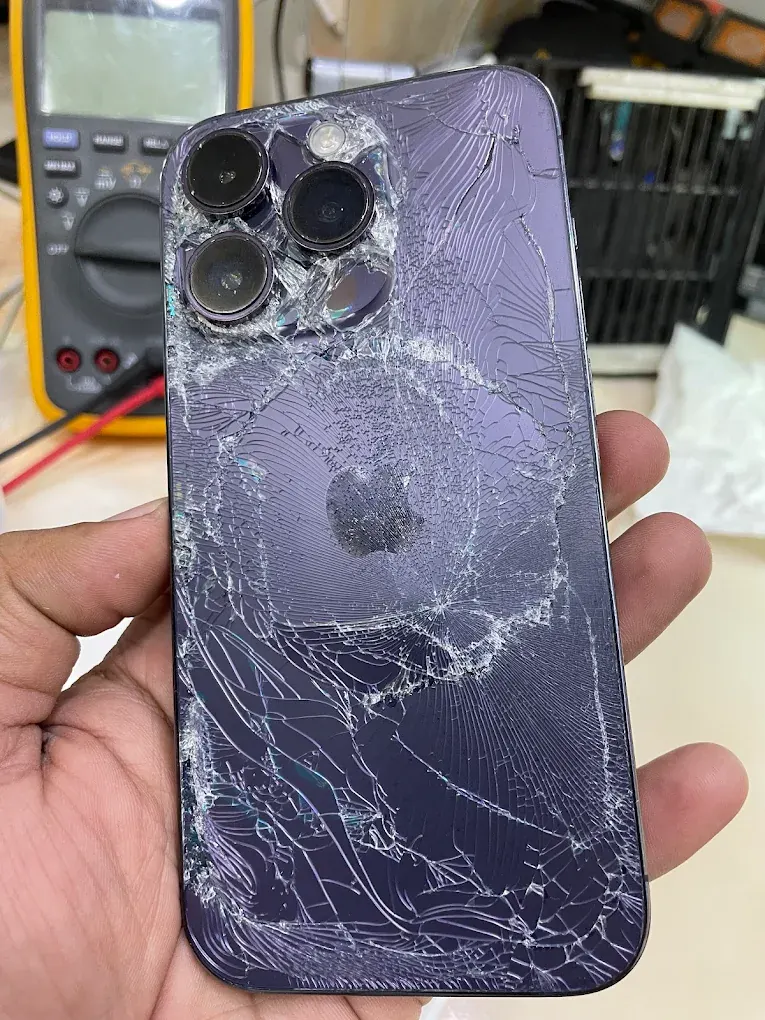
Is broken back glass the same repair as a broken screen?
The rear glass, camera cover and front display are different parts. Tell us which surface is damaged and whether cameras, touch and charging still work. A drop can also affect the frame or internal connectors, so the visible crack is only part of the assessment.
For a front display repair, discuss the available part, its condition and any model-specific feature or calibration limitations before approval.
Checks to make before taking your iPhone home
Use the handover to confirm the repaired functions. Keep account credentials private and unlock the phone yourself if a demonstration needs access.
- Try touch across the display and check brightness.
- For audio or camera work, test a call, microphone and both cameras.
- Confirm the agreed charging and battery checks.
- Ask about any parts message, feature limitation and water-resistance limitation.