


Published by Fix My Mac Hyderabad · Updated
Quick answers before you book
- What should I send before booking?
- Share the model, what happens at startup or when charging, and any drop, spill or earlier repair. Tell us whether the files are backed up.
- Do I need a replacement logic board?
- That needs diagnosis. Charging, display and startup symptoms can come from different parts; component repair may be possible on the original board.
- What happens after diagnosis?
- You receive a fixed quote, proposed parts, expected timing and warranty details before deciding whether to proceed.
Power and charging symptoms
Note whether the Mac responds at all, starts and shuts down, or runs only when plugged in. If there has been no spill or visible damage, note whether the issue also occurs with a known compatible charger.
Bring the charger if the fault appears related to it. A worn battery, damaged port and board fault need different repairs.
Screen, keyboard and trackpad faults
Tell us whether the screen is physically cracked, has lines, changes when the lid moves or stays black while the Mac seems to run. For input faults, note which keys or gestures fail and whether the issue is intermittent.
After a spill
Turn the Mac off and disconnect the charger. Avoid repeated startup attempts, heat or rice. Tell us what was spilled, when it happened and whether it was powered afterward.
Decide how important the files are
Back up a working Mac before service. If it will not start and you need the files, ask for a data-preserving assessment before resets, software reinstalls or storage changes are considered.
Does a charging problem mean a new battery?
Not necessarily. A MacBook that runs from the adapter but shuts down when unplugged presents a different fault from one that never recognises the charger. The adapter, cable, port, battery and charging circuit are checked together before a replacement is proposed.
Tell us whether the fault changes between ports, happens only under load, or started after a spill. These details help reproduce an intermittent problem at the bench.
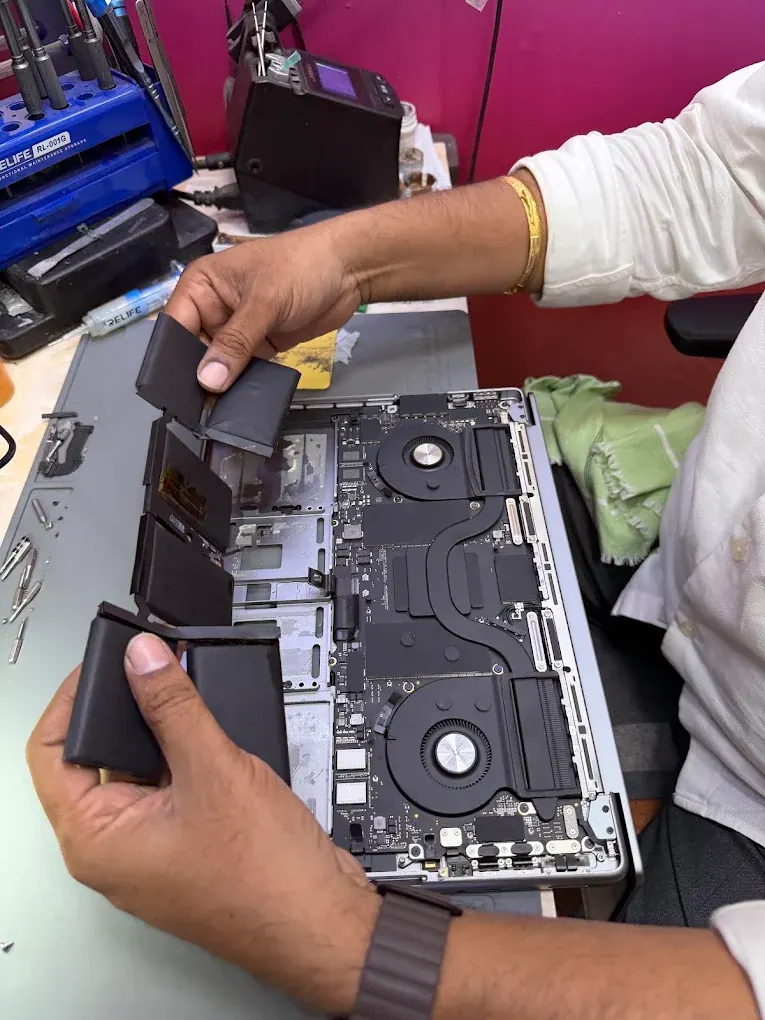
What should I check when my MacBook comes back?
Review the original symptom with the technician and try the functions affected by the repair. Bring the charger or accessory that first showed the problem.
- Start the Mac and check charging with the agreed adapter.
- Check the display at normal lid angles and try the keyboard and trackpad.
- Test any repaired port with a compatible accessory.
- Review the completed work, backup status and written warranty coverage.