

Published by Fix My Mac Hyderabad · Updated
Quick answers before you book
- What should I avoid before assessment?
- Avoid erasing, formatting, software restores and repeated recovery attempts when the device holds the only copy of important files.
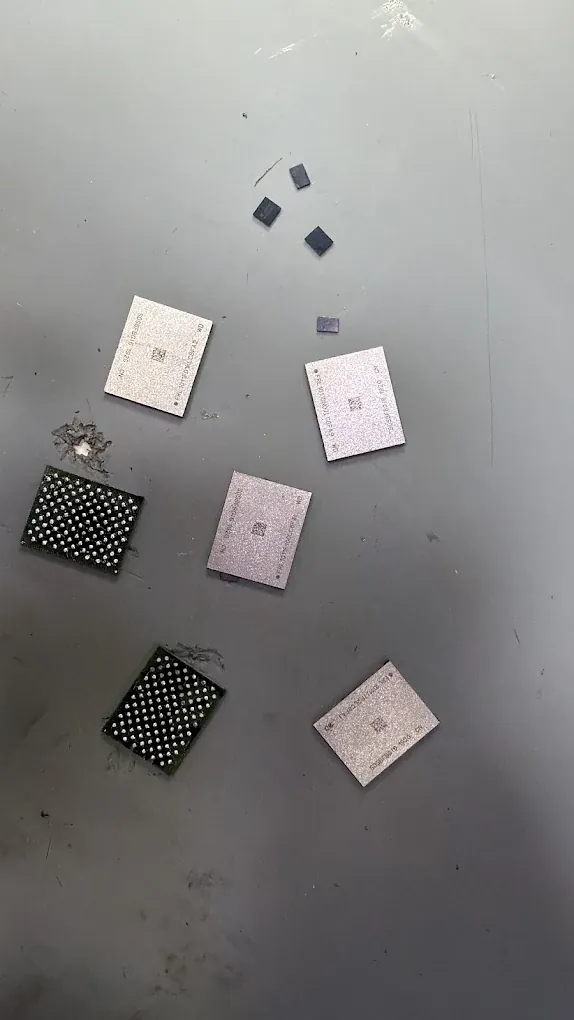
- Can storage chips simply be moved?
- Not as a general solution. On hardware-encrypted Macs, readable data can depend on the original electronics and valid credentials.
- Is recovery guaranteed?
- No. Damage, storage condition and encryption affect the outcome. Agree the file priorities and destination drive before work starts.
Pause before resets or reinstalls
Do not erase, format or approve a software restore while the only copy of your files is on the device. Repeated recovery attempts can complicate the assessment.
Write down the folders or file types that matter most and whether any usable backup exists.
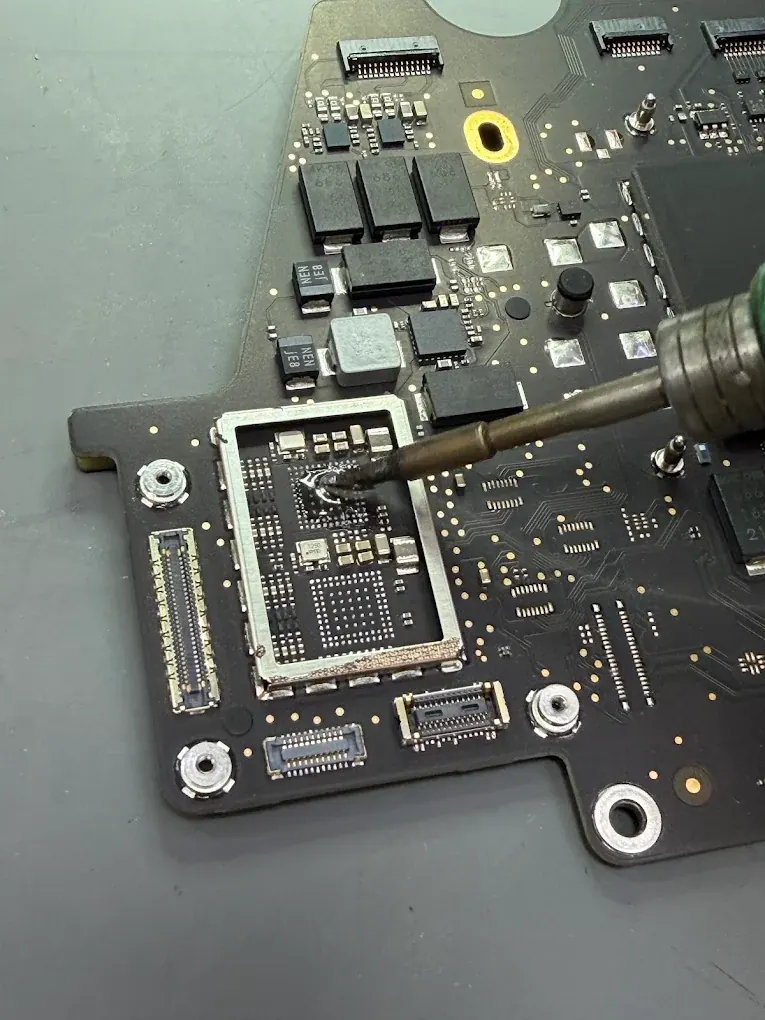
A non-starting Mac may need board repair first
On Macs with soldered, hardware-encrypted storage, access can depend on the original board and security components working. Removing storage chips is not a universal route to readable files.
The technician assesses whether the original electronics can be brought far enough back into operation to access the data.
Encryption and permission
Passwords or recovery keys may be required to unlock encrypted storage after hardware access is restored. Do not put them in a public form or message; agree a secure handover or unlock the device yourself.
We discuss the files to recover and the destination drive before copying data.
Set realistic expectations
Recovery is not guaranteed. The condition of the storage, encryption and original components affects what is possible. Ask for the scope, cost and timing after diagnosis, and confirm how recovered files will be checked at handover.
Does data recovery mean the Mac will work again?
Not always. One job may aim to restore reliable daily use; another may aim only to make the original electronics work long enough to copy the agreed files. Those outcomes need different expectations and may need different quotes.
On Macs with hardware-encrypted storage, access can depend on the original security components and valid credentials. Repairing the board may help restore access, but moving storage chips alone is not a general solution.
Agree the recovery handover in advance
Write down what a useful result would look like before work begins. At handover, check representative files rather than relying only on a folder count.
- Name the folders, projects or photo libraries that matter most.
- Confirm a destination drive with enough space for the recovered data.
- Discuss access permissions and how any working copies will be handled.
- Open a sample of recovered files and keep a second backup after collection.