


Published by Fix My Mac Hyderabad · Updated
Quick answers before you book
- What should the intake list include?
- List each asset tag, model, symptom, included accessories and backup status. Name a contact who can approve the work.
- How are repairs prioritised?
- Explain the business impact and deadlines for each device. Confirm the repair scope, parts availability and timing per asset.
- What does IT check at return?
- Match devices to the repair records and accessories, review remaining faults and coverage, then complete your own account and management checks.
Prepare a device intake list
Record asset tags, model numbers, symptoms and accessories. Identify urgent devices and a single contact for pickup arrangements and repair updates.
Agree who can approve work
Each device is assessed before a quote is provided. Tell us whether approval is per device or for a batch, who signs off the cost and whether purchase-order details are required.
Turnaround and parts availability should be confirmed with the quote, especially where several devices need the same component.
Confirm data-handling requirements
Ask your IT team about backups, device management and account access before handover. Discuss any NDA or other documentation requirements with us before devices leave your office.
Do not share employee passwords in a device spreadsheet. Agree how any necessary functional testing will be authorised.
Close the loop at return
Match every returned device to its asset tag, repair record and accessories. Review the completed work and warranty coverage, then arrange any required IT checks before returning it to the user.
How should a business prioritise a batch of repairs?
Group devices by business impact rather than sending an undifferentiated list. A machine holding a unique project, a laptop needed for a deadline and a spare device may require different priorities. Share those priorities with the approval contact before collection.
Ask for a per-device assessment so a straightforward battery job does not obscure a more involved board repair. Confirm expected timing against parts availability and the agreed scope for each asset.
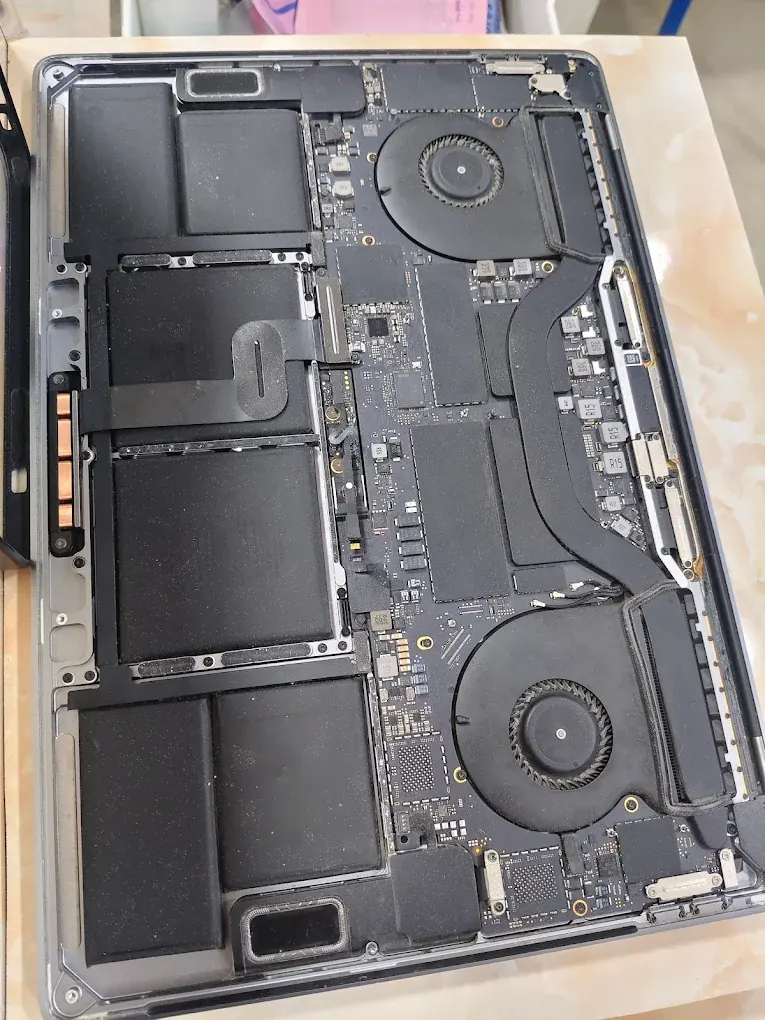
A useful return-to-IT checklist
Keep workshop completion and IT acceptance as two clear steps. The repair record should identify the work performed; your IT team can then verify managed settings and suitability for the employee.
- Match asset tag, serial reference and accessories to the intake list.
- Record the approved work, cost and warranty for each device.
- Review any unresolved symptom or restricted function.
- Let IT handle account access, management enrolment and the final backup check.